Decoration · · 5 min read
DTG or DTF? Choose a print for your artwork
A practical guide to direct-to-garment printing and heat transfers: what changes, what to send, and what to check on a sample.
By MadeOnBlank guides · Supplier-published guidance
Short answer
DTG prints ink directly onto the garment. DTF prints onto film, then applies the design to the garment using heat and pressure. Choose against the exact fabric, artwork, placement and desired feel; approve a sample before a larger print run.
On this page
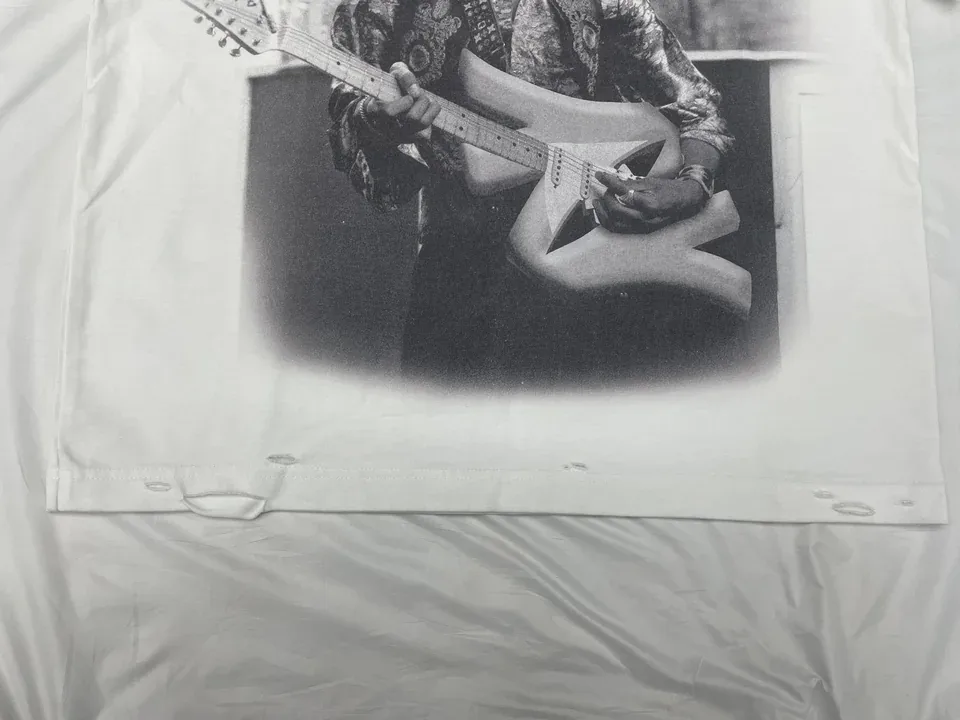
An image on a screen does not tell you how a print will feel on fabric. Start with the garment and the artwork, then compare the finished result. The sample photograph above illustrates a garment graphic; it does not establish which method produced it.
What changes between DTG and DTF?
| Decision | DTG: direct to garment | DTF: direct to film |
|---|---|---|
| Application | Ink is printed directly onto the garment, with preparation and curing appropriate to the process. | Artwork is printed onto transfer film and applied using an adhesive system, heat and pressure. |
| Fabric check | Fibre content, surface, colour and pretreatment compatibility matter. Cotton-rich garments are a common starting point, but suitability still needs review. | Can suit a range of materials, subject to transfer compatibility, heat sensitivity, dye migration and adhesion checks. |
| Artwork check | Review fine details, gradients, transparent edges and the garment colour behind the image. | Review fine details, isolated small elements, transparency and the shape of large solid areas. |
| Print feel | Coverage, ink, pretreatment and garment surface affect the feel. | The transferred layer can be noticeable, especially across large solid areas; compare an actual sample. |
| Approval | Inspect the exact design on the selected garment. | Inspect the exact design on the selected garment. |
These are general process differences, not specifications or performance guarantees for a particular order. Neither method has one universal fabric list, price advantage or wash-life figure.
Send four things before choosing
- The garment. Share a product link or style code and the colour. If you supply your own garment, include its composition and any known surface treatment.
- The artwork. Send the original vector or high-resolution file when available. Explain which background areas should remain transparent. A mockup communicates the idea; it does not replace the print file.
- The placement and size. State front, back or another intended location, plus the desired width and height with units. A chest graphic and a full-front solid image can feel very different.
- The purpose. Tell us whether it is your own piece, a sample, a batch or repeat store orders. If quantity is undecided, say so rather than guessing.
If you are unsure which process to choose, describe the result you want: a soft feel, a crisp small mark, a detailed illustration or a strong block of colour. The print team can then review the relevant trade-offs.
Check the sample before a larger run
Use the same garment, colour, design size and placement you intend to order. Record the approved artwork version so a later change is visible.
- Appearance: compare the print with the approved reference under agreed lighting. A screen colour is not a physical colour standard.
- Edges and details: check small lettering, thin lines, gradients, registration and unwanted background areas.
- Position: compare the actual print width, height and location with the agreed placement. Do not assess placement from an angled photograph alone.
- Feel and movement: check the printed area while wearing and moving in the garment. Pay attention to large solid graphics and stretch.
- Care: agree on wash conditions and the evidence needed. One photograph cannot establish long-term durability, and a universal wash-count claim is not a substitute for test results.
Keep photos and comments tied to the sample and artwork version. If the sample needs revision, record what changes and confirm the revised result before releasing the batch.
One piece, a batch, or orders for your store?
For your own piece, choose a garment and open the designer. Add the artwork, preview its placement and follow the ordering steps.
For a batch or ongoing brand orders, send a short business print request. Begin with your garment and artwork; detailed fulfilment arrangements can follow after the first conversation. Prices, suitability and timing are confirmed for the work you need.
If your project requires a new garment pattern or custom fabric development, that is a separate development brief. Meiting Garments handles the broader OEM/ODM route.
Common questions
Can both methods print a single piece?
Both can be used for small orders. Availability and price depend on the selected garment, design, print setup and order conditions. Start with the product designer to check the available options.
Is DTF always better than DTG?
No. The garment surface, artwork, desired feel and application setup affect the result. Compare samples on the same garment instead of choosing from the method name alone.
Can I use a screenshot as my artwork?
A screenshot can help explain your idea, but it may lack the resolution needed at the final print size. Supply the original artwork when possible and confirm dimensions and placement.
Sources & scope
General process comparison plus an artwork and sample-review checklist. The photograph shows a historical sample, not a verified DTG or DTF process.
- Epson: DTG and DTFilm printing explained
General process background; not evidence of MadeOnBlank equipment or test performance.
Technical reviewer: pending confirmation. Use the guide to prepare your brief. Product and process approval still requires the actual garment, artwork and order review.
Publishing team, evidence standards & corrections →Put your artwork on a garment.
Start with your own piece, or plan a batch for your brand.